

When a business owner asks, "Are we protected?" the answer is often, "Yes, we have Microsoft 365." That answer is incomplete. Depending on your plan, Microsoft 365 can include tools that protect accounts, email, devices and business data. Each one still has to be configured, assigned and checked before it protects anything.
The security you get from Microsoft 365 depends on your plan and on how it was set up. Checking MFA, email protection and device coverage is the quickest way to tell whether those features are protecting your business, and five checks show whether your environment is truly secure.
What Security is Included in Microsoft 365?
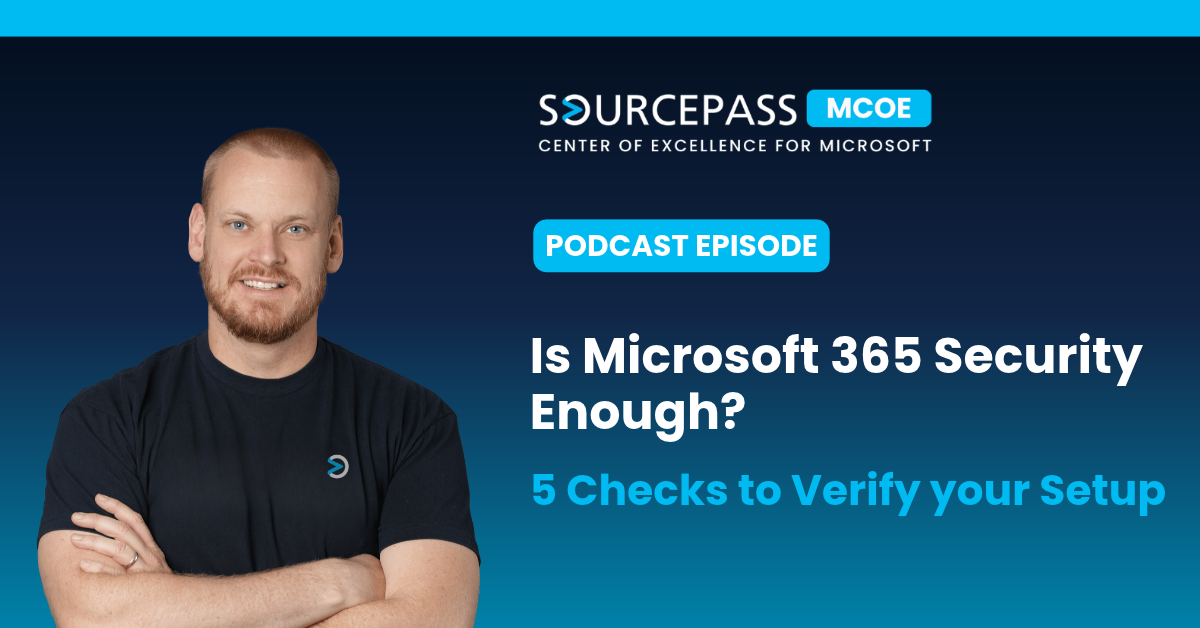
In this episode of the Demystifying Microsoft podcast, Austin Kelly, Senior Solutions Advisor at Sourcepass explains the gap between having Microsoft 365 security tools and having them set up correctly. He covers licensing, identity, email and devices, then shares a client example and the questions every business owner should ask their IT team.



Which Microsoft 365 Plan has the Best Security?
Microsoft 365 is a family of subscriptions, and security features vary by plan.
|
Plan |
Security included |
|---|---|
|
Business Basic and Business Standard |
Baseline security capabilities |
|
Business Premium |
Microsoft Entra ID P1, Defender for Office 365, Defender for Business and Microsoft Intune |
|
Office 365 and Microsoft 365 E3/E5 |
Different combinations. The names are similar, but the protections are not. |
For most small and mid-sized businesses, Business Premium is the most complete option. Microsoft turns on some protections by default, so your tenant is not starting from zero. Even so, the configuration still has to match your own users, devices and applications.
How do you Check that MFA is Working in Microsoft 365?
In the cloud, an employee's account is the front door to business data. Multi-factor authentication (MFA) adds a check beyond the password. Entra ID P1, which is included in Business Premium, also provides conditional access. Conditional access lets you set rules about who can sign in and under what conditions.
Being able to create these policies does not mean they are enforced. When someone tells you "MFA is enabled," ask:
- Does every employee have a registered verification method?
- Do the intended sign-ins actually require MFA?
- Are administrator accounts covered?
- What exceptions exist, and who approved them?
Does Microsoft 365 Stop Phishing and Payment Fraud Emails?
Suppose someone in accounting receives an email on a busy afternoon. It appears to come from a known supplier and says the supplier has changed banks. Nothing about it looks suspicious.
For licensed users, Defender for Office 365 provides Safe Links, which checks the links in an email, and Safe Attachments, which scans attached files. Two questions matter here: which employees these protections apply to, and how you know. Technology on its own is not enough. Pair it with an internal process for handling requests like this one.
Are All your Devices Protected by Defender for Business?
Having a license does not protect a laptop. Each device has to be onboarded to Defender for Business first.
Picture a company with 40 laptops whose security portal shows only 31. The missing devices might be new laptops that were never onboarded, retired machines that are still listed, deployments that did not finish or devices that have not connected recently. A dashboard is only useful when you compare it with what should be there. Onboarding should also happen automatically for every new hire and replacement device, so it does not rely on someone remembering.
How does Intune Decide Which Devices can Access Company Data?
Microsoft Intune compliance policies check managed devices against requirements you set. When those results feed into conditional access, a device that does not meet the requirements can be blocked from company resources. A company laptop and a personal phone usually need different rules.
What Happens When Microsoft 365 Security is Only Partly Set Up?
Consider a business with about 30 users that has been on Business Premium for several years. Email works, files open and the team collaborates in Teams without issues. Then a new IT director joins and asks for a security review. The review finds the following:
- Device deployment was incomplete.
- Some access policies had been tested but never enforced.
- Email policy coverage had gaps.
- No one was responsible for reviewing security alerts.
In this scenario, the subscription already includes what the business needs. What is missing is implementation, verification and ownership. A setup from a few years ago also goes out of date as people leave, devices are replaced and applications change.
How do you Verify your Microsoft 365 Security Configuration?
You should be able to confirm these five things:
- Licenses: A current record of your subscriptions and assigned licenses
- Scope: The users, devices and resources you intend to protect
- Enforcement: Policies that are assigned and enforced, not only created
- Evidence: Device inventories, policy results, deployment reports and controlled testing
- Ownership: A named person who reviews alerts and manages changes
Questions to Ask your IT Team
- Which Microsoft 365 subscriptions do we have, and what security do they include?
- Which features are deployed, which are not, and why?
- How do we confirm the right people and devices are covered?
- Who reviews alerts and maintains the configuration?
Turning your Microsoft 365 Subscription into Real Protection
Buying a Microsoft 365 subscription is only the start. The real value comes from knowing what it protects in your business, and licenses, applied policies, evidence and clear ownership are what turn included features into security you can verify. Sourcepass helps businesses find out what their Microsoft 365 licenses include, which security features are turned on and where the configuration has gaps.
Whether or not you have an internal IT team, our Microsoft experts can review your setup and help you put the right protections in place. Contact us to schedule a Microsoft 365 licensing and security configuration review, and subscribe to the Demystifying Microsoft podcast for more on Microsoft 365, security and AI.